
Mentor's Guide
- What we sell and who our clients are
- How to fill in your profile
- Key mentorship principles
- How you teach students and communicate with them
- Managing the student's subscription
- Study programs
- Quests
- Voice Consultations
- About money
- Rules of communication between mkdev and mentors
- Teaching somewhere else
- Meditations on Programming
- Study Plan Example
Study programs
Mentorship is an individual format. Each student has their own aims, capabilities and starting skills. So each student has their own study program.
The mentor must draw up a study program in the first week of the subscription period of a new student.
The first contact is always about discussing the student’s level and aims. You should find out what your student needs to know and what doesn’t and what should be done to reach that (e.g. become a Junior Rails developer or create websites). The mentor should draw up a program, keeping in mind the info from the student. This program is always available for the student on the website in the Program tab.
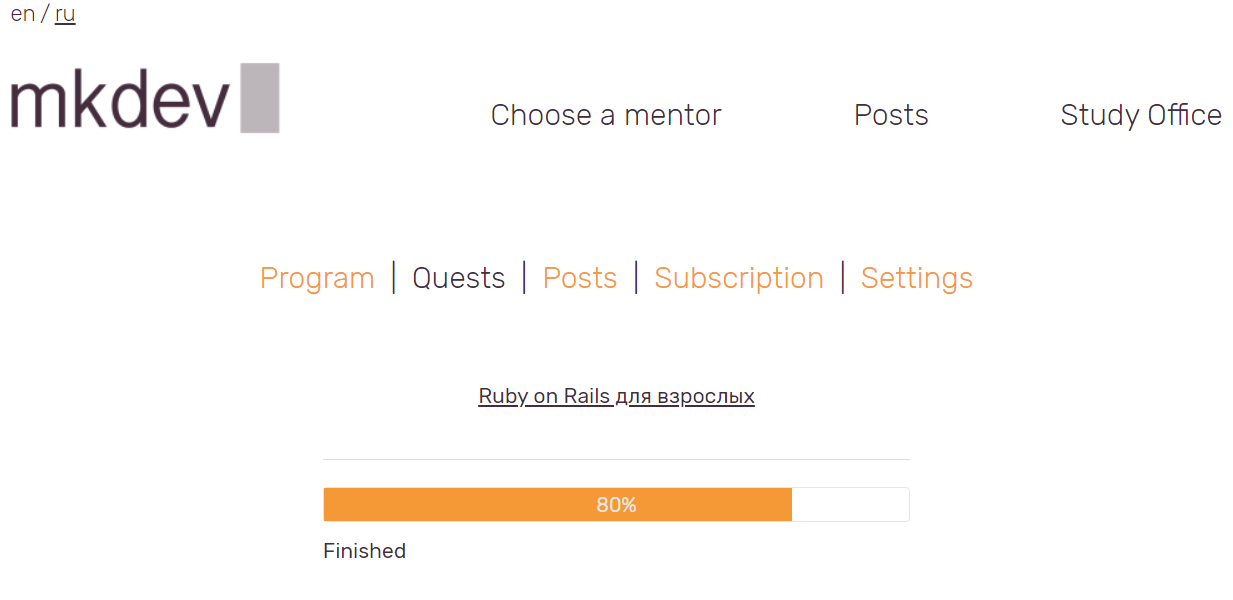
But the program shouldn’t be limited to the subscription period only. If the student has no basic knowledge, subscribes for 2 weeks and then cannot afford it anymore, we cannot just leave him be without any guidelines or directions. The individual program should allow such students to understand where to move and what to learn. Nobody wants to spend hundreds of euros, follow the mentor’s recommendations but not be able to do anything when the subscription is over.
When the subscription period is almost over and is not planned to be extended, a good mentor prepares a list of what the student needs to do next: what to read and play around with to understand Linux better, what docs to look through, where to contribute etc. Such plan might be so detailed that the student might not need the mentor anymore, as they’ve had 4-6 weeks to decide what to do in terms of self-study.
You need to ask yourself these questions to understand if the program is good enough:
- Will the student be able to study singlehandedly using this program?
- Will the student or the mentor be able to understand what the program is about 3 weeks after it’s been made?
- Are there any links to the reliable information sources, so that the student needn’t look for some unverified stuff on Google ?
- How long will the student be able to follow this program?
- Which aim can the student achieve following this program ?
Here are the desired answers:
- Yes
- Yes
- Yes
- 3-6 months
- A detailed description of the aim and how to achieve it
How it works on the website
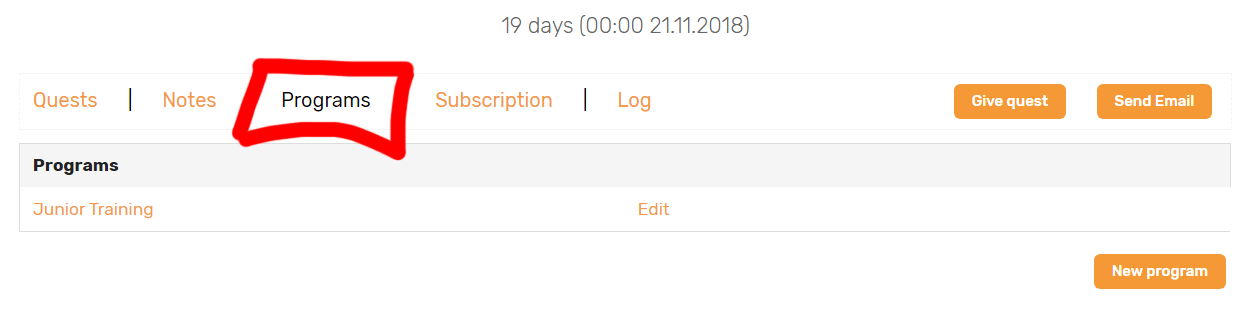
There’s a Programs tab in your Office in the student’s profile:
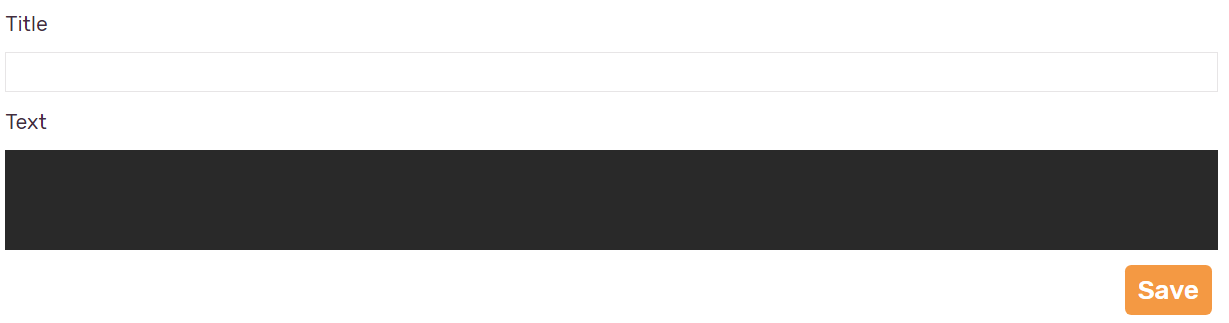
The Program is just a title and some field for the text in Markdown:
You can edit the Programs, but cannot delete them.
This is how it looks for the student waiting for a program:
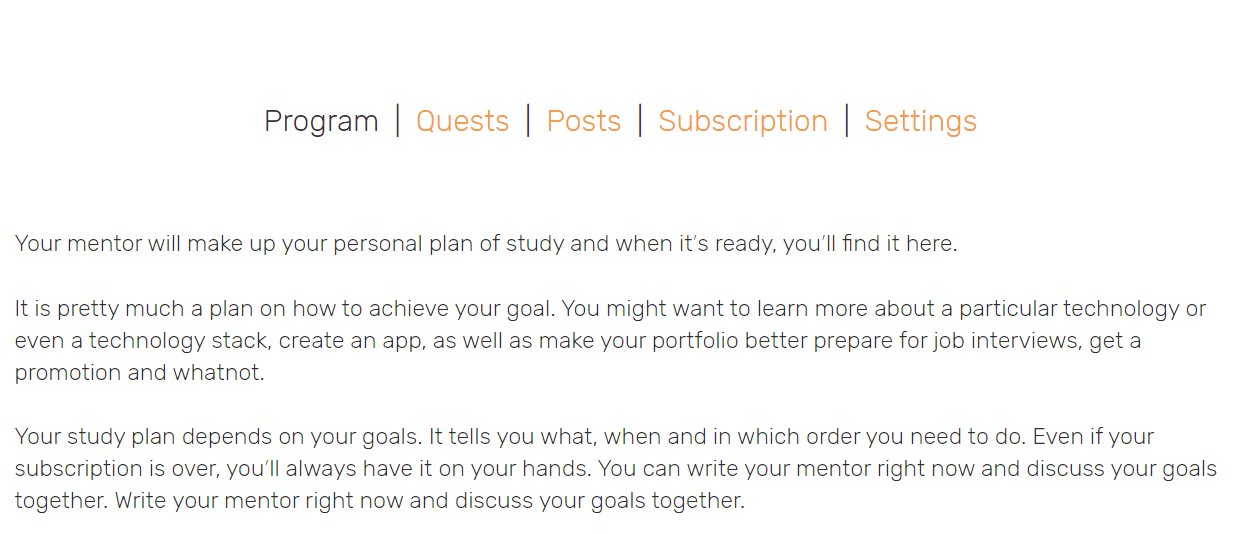
They will see your program instead of this text when the program is ready.
That’s basically it.
A real-life example on how to draw up a program
We had a student who was working as some sort of DevOps. His company used AWS and planned to start using containers. The student wanted to know more about different DevOps tools as well as containers.
After some inted a test on programming we found out that that the student couldn’t program and his AWS knowledge left much to be desired. After some questions we saw that he also didn’t know much about Linux. We also found out that his company was incredibly committed to Docker and the task of implementing it is student’s job.
We were working with the student for a couple of days and then made a detailed program for 2 months, keeping all he received info in mind. By the end of the first week he got the study program, which he was able to use singlehandedly or with a mentor. Here it is. It didn’t have millions of details, but had all the necessary information about what to learn as well as info sources and topics he needed to study.
This program was obviously not the best. It was not large and mostly focused on technologies. That’s why you can edit and improve programs during the whole subscription period.
Let us remind you:
The program is one of those things for which every student pays. Nobody wants to spend hundreds of euros, follow the mentor’s recommendations, but not be able to do anything when the subscription is over.